
Are you tired of making videos the old-fashioned way? In this blog, we’ll be exploring how to make AI generated video and a few of the free tools you can use to make them. With these tools, you’ll be able to create stunning videos in a fraction of the time it would take using traditional video editing software. So, get ready to dive into the world of AI and unleash your creativity!
Generate videos using AI algorithms
Artificial Intelligence (AI) has revolutionised the way we create and consume digital content. One of the most exciting developments in this field is the ability to generate videos using AI algorithms. AI-generated videos are created by feeding a set of data into an AI model, which then uses machine learning algorithms to analyse the data and generate a video output. This technology has been used to create stunning visuals, from hyper-realistic simulations to surreal dreamscapes.
So, let’s take a look at some of the FREE tools that we can use to try this new technology out.
LeiaPix
To kick off this mini adventure, let’s start by trying out a free AI tool that can turn images into 3D models. It’s not exactly video, but it’s a great way to dip our toes into the world of AI-generated content.
The tool we’ll be using is called LeiaPix Converter, which allows for instant conversion of 2D images into stunning 3D Lightfield images. You can even export your creations in various formats such as Leia Image Format, Side-By-Side 3D, Depth Map, or Lightfield Animation. Simply upload your image and let the tool work its magic to transform it into a mesmerizing Lightfield image.
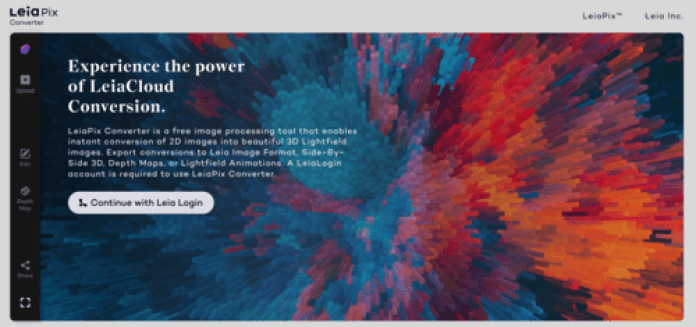
The UI
When you visit the LeiaPix website, you’ll immediately see the user interface (UI) that you’ll be using to create your 3D animations. The first step is to sign in, which will give you access to the tool. Once you’re signed in, you can upload any picture you want and start animating right away!
Upload
To start off, I clicked on the “upload” button and selected one of my recent Midjourney creations. I carefully considered which image to choose, thinking about how well it would translate into a 3D animation. I didn’t just randomly pick any image. Once the image was uploaded, the tool immediately converted it into a stunning animation. I was blown away by the quality of the video – it looked super cool as it was.
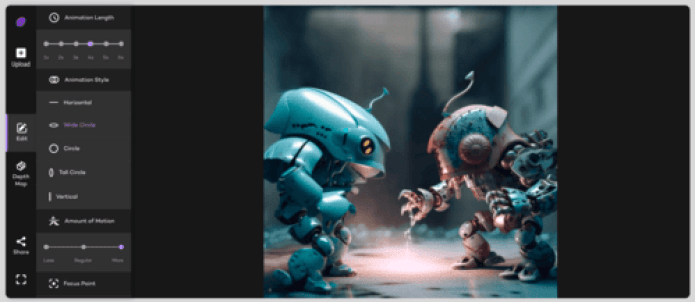
However, for the purpose of this review, I decided to try out all the different animation options presented in the tool bar on the left side of the UI. The tools available were somewhat limited, but still provided enough options to have fun and play around with. From adjusting the number of frames to changing camera motion, I felt like I had enough control to achieve the result I was looking for.
The results
Once I had experimented with all the available tools and was happy with the output I had created, it was time to download the final product. To do this, I simply clicked on the “share” icon and was presented with a variety of options. I could copy and paste the URL and share it with my friends or family, or I could choose from a range of other formats such as GIF, MP4, or even Facebook 3D, among others. It’s pretty impressive that all of these options are available for free.
It’s amazing that this tool is completely free to use, yet it still feels like a premium option. The results are really impressive, whether you’re creating a small clip to add to a bigger video, designing a hero image for a website, or simply sharing your creation on social media. I would definitely recommend giving this tool a try – after all, why not? It’s free!
Quinvio
Now, let’s continue our exploration of free AI-generated video tools with Quinvio.
Quinvio is an innovative video creation tool that harnesses the power of AI to help users generate engaging videos in a snap. With Quinvio, you can write paragraphs with the assistance of AI, rephrase the video script using an intuitive editor, and even choose an AI spokesperson to present the video. This versatile tool can be used for a variety of purposes, such as microlearning, presentations, HR onboarding, and marketing.

Quinvio offers a freemium model, which means you can try out the software for free before deciding if it’s the right fit for you. If you’re happy with the results, there are various subscription packages available that cater to different budgets.

The user interface (UI) for this tool is refreshingly clean and intuitive. Each step is clearly and precisely guided, making it easy to use. Even with the free version, there’s a good selection of avatars to choose from, and you can pick from a wide range of voices with accents from various countries. Another great feature is the ability to change the background color, which comes in handy when overlaying the avatar in a separate video. All you need to provide is a script, and you’re good to go!

With this tool, you can enter your idea for a script and let the AI work its magic to generate a usable version. You’ll receive a set number of credits for this – currently 40 at the time of writing. Additionally, you can control the level of randomness in the generated script and adjust other options by clicking on the settings icon.

With my script completed and double-checked to make sure it was under the 30-second limit (which is the free version’s maximum), I proceeded to select my avatar, language, and background. After making those choices, it was time to generate my video…

The final results were impressive. Although I had to wait around ten minutes for the video to process, it was definitely worth it. If you’re in the market for an animated avatar to host your next video, then this tool is an absolute must-try.
Check out the results…
Artflow
Artflow.ai is a user-friendly tool that allows creators to produce animated stories featuring unique characters, scenes, dialogue, and AI-generated assets. Additionally, it boasts millions of user-generated assets and can accommodate non-English descriptions. Some notable features include Portraits 2.0, New Images, and a Video Studio feature.
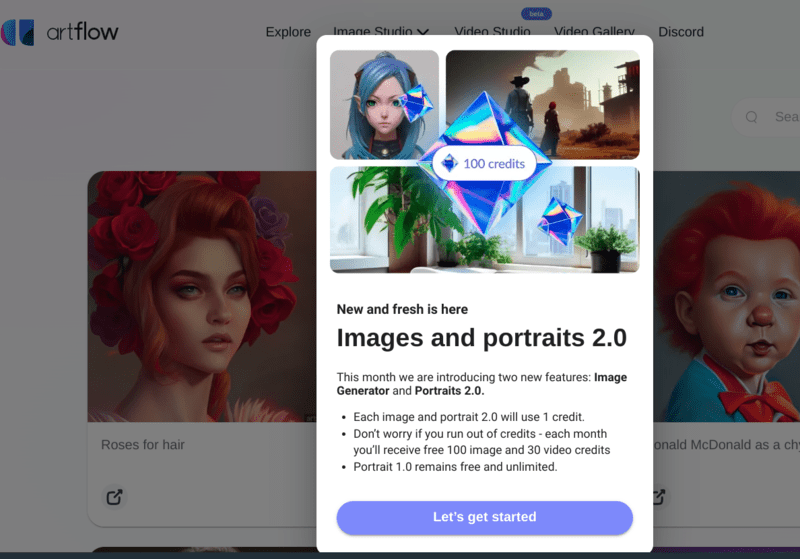
This tool for creating video storyboards is amazing! It not only provides prompts for designing scenes and characters but also saves me from having to create assets in something like Midjourney. The fact that I can do everything in one place is fantastic.
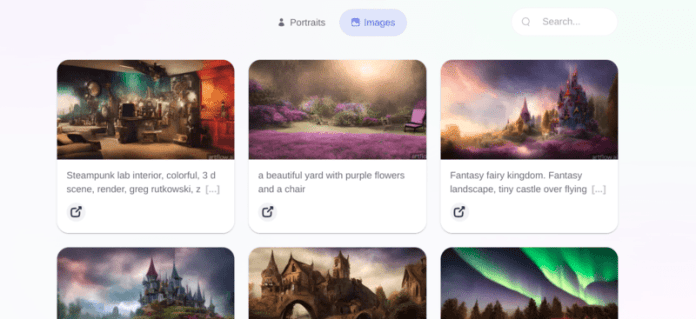
You have the option to use pre-existing assets or create your own library of assets using a range of screen and portrait prompts and generation tools. There’s plenty to explore even before you start putting together your own animated story.
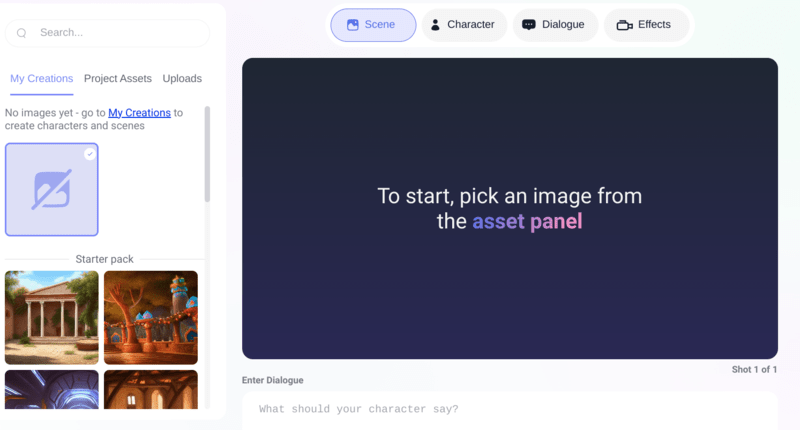
The tool’s user interface is sleek and user-friendly, especially the intuitive video studio. I was able to navigate it within seconds. Although still in beta, it’s surprising that it hasn’t been released yet. As of now, there are no pricing plans available. However, Artflow offers free credits by applying for the ‘Pioneer Club’, which sends monthly credits to experiment with the tool. How awesome is that?
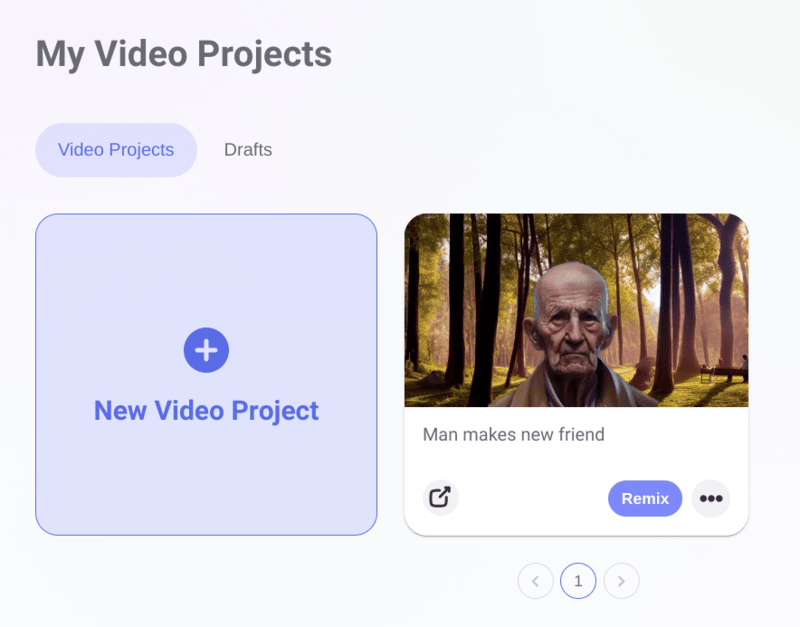
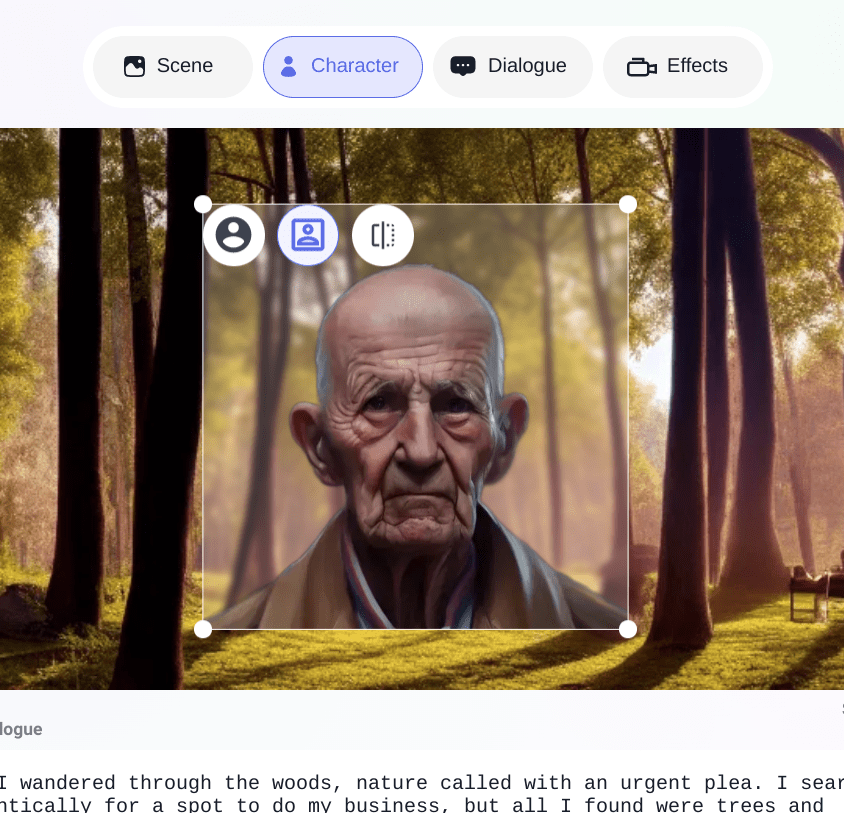
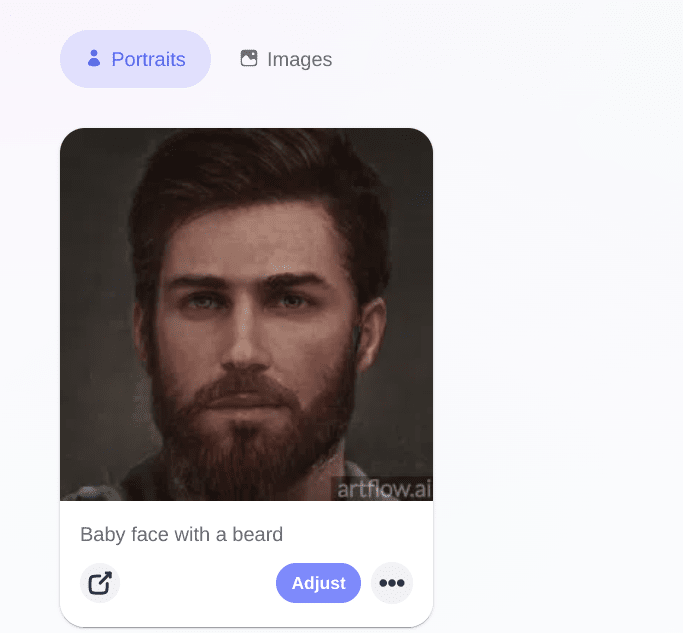
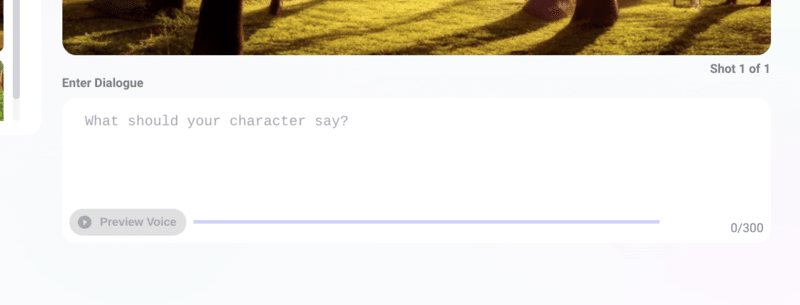

Every scene comprises a background, character portrait, and dialogue, where you can enter the script. The tool generates a real narrated voice for your script, with plenty of accents to choose from, all of which sound impressive. You’ll be thoroughly impressed!
I was able to create a couple of scenes with the free 100 credits, and I still had 28 credits left. I wonder if I could have squeezed in a third scene? It only took a few minutes to render the final video, and I was pleased with the outcome. I’m looking forward to using this tool more in the future – it’s enjoyable and produces fantastic results. Give it a try!
Artflow.ai is an impressive tool for creating animated stories with unique characters, scenes, dialogue, and AI-generated assets. The platform offers millions of user-generated assets, pre-existing assets, and generation tools for creating your own library. Additionally, the user interface is sleek, user-friendly, and intuitive. While still in beta, the tool is highly functional and offers free credits through the ‘Pioneer Club’ for experimentation. The tool generates a real narrated voice for your script with various accents to choose from, making the outcome impressive. Overall, Artflow.ai is a fun and highly recommended tool for anyone interested in creating animated stories.
Conclusion
AI-generated videos are becoming increasingly popular, and there are many free tools available to try out this technology. LeiaPix Converter allows you to turn 2D images into 3D Lightfield images, which can be exported in various formats. Quinvio is an innovative video creation tool that uses AI to help users generate engaging videos quickly. Artflow.ai is a user-friendly tool that allows creators to produce animated stories featuring unique characters, scenes, dialogue, and AI-generated assets. It also offers millions of user-generated assets, pre-existing assets, and generation tools.
Overall, these tools are excellent for creating stunning videos, whether you’re creating small clips to add to a larger video, designing a hero image for a website, or simply sharing your creation on social media. Give them a try and unleash your creativity!