
In this piece, we dive into the exciting realm of the Midjourney blend prompt – a tool that simplifies image blending like never before. With its user-friendly interface, it offers you the capacity to fuse up to five images in one go. While the examples provided in this article are exclusively crafted using Midjourney, the blend prompt doesn’t restrict you to it. You’re free to choose any image of your liking. It’s as simple as selecting your desired images and defining the output dimensions. From there, the reins are handed over to your imagination. The Midjourney blend prompt simply serves as a creative catalyst, propelling you into a world of endless possibilities.
Steps to using the blend prompt
Step one
Type /blend into the discord chat bar

Step 2
Select up to five source images from your device. You can also specify the image dimensions by clicking on ‘+4 more’

And that’s it! Wait for your results.
Example 1 – Darth Leia


Result

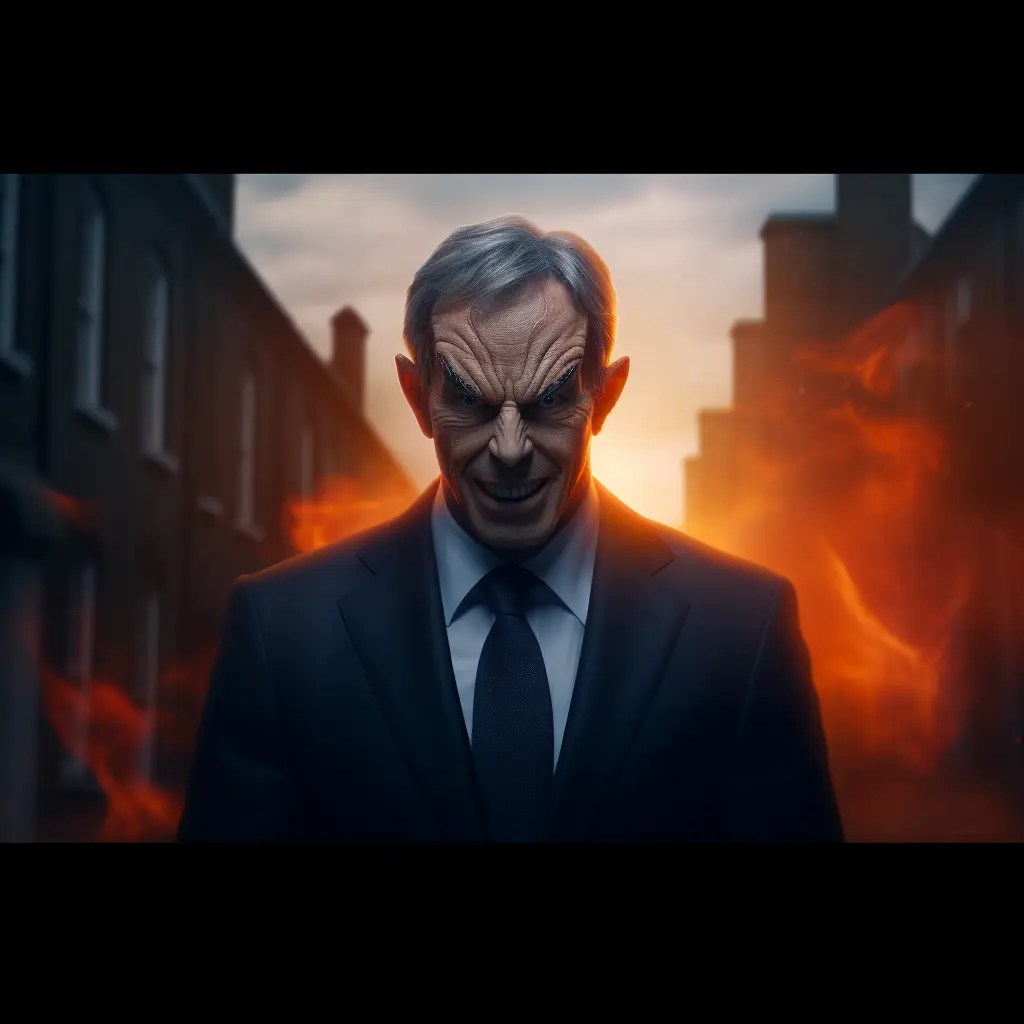
Example 2 – Tony the demon


Result
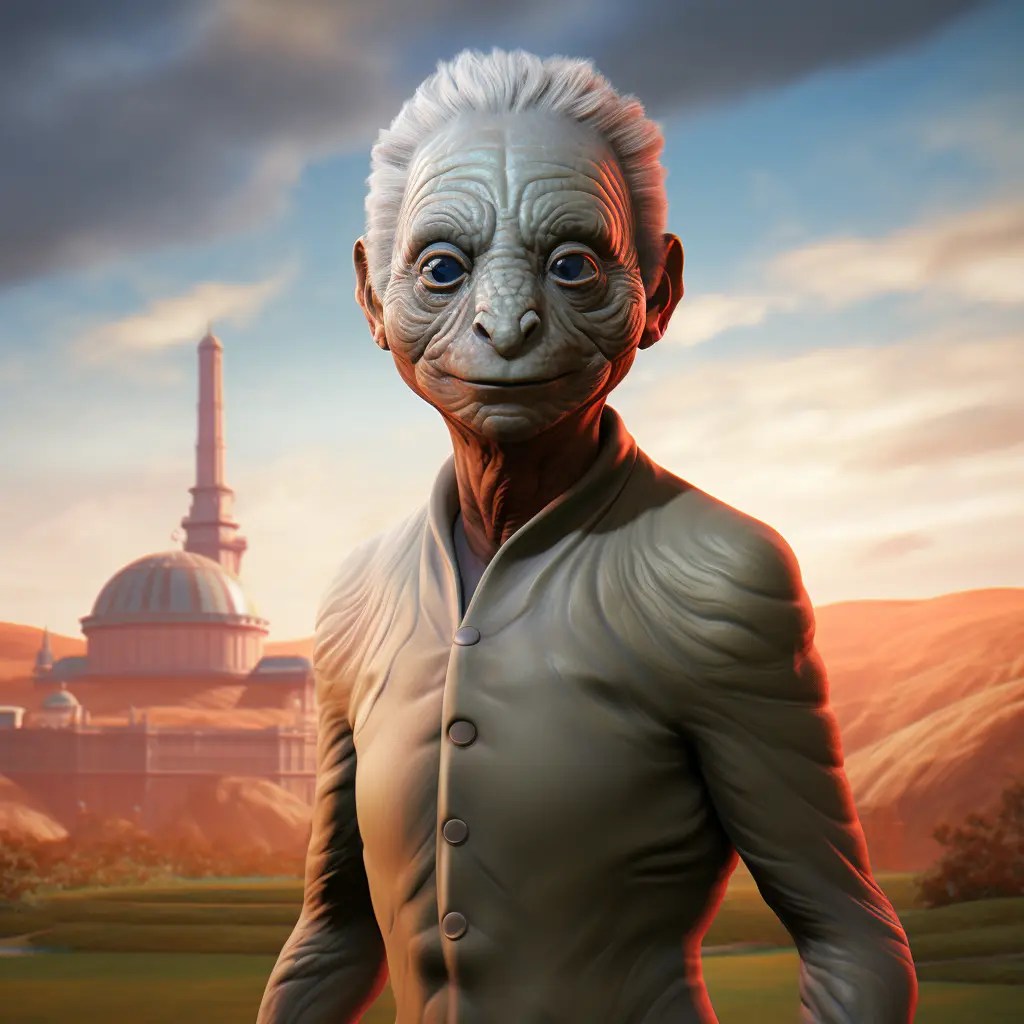
Example 3 – Charles the Lizard


Result
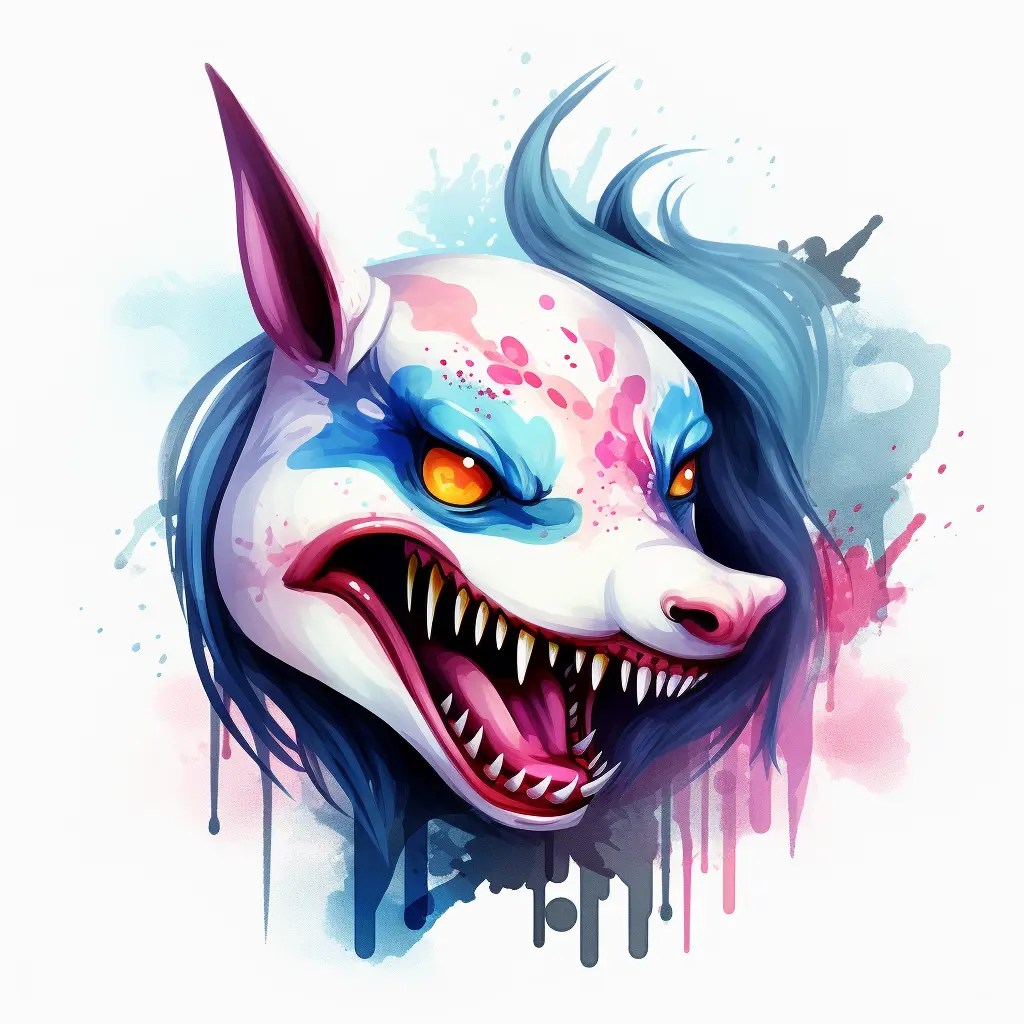
Example 4 – My little shark


Result
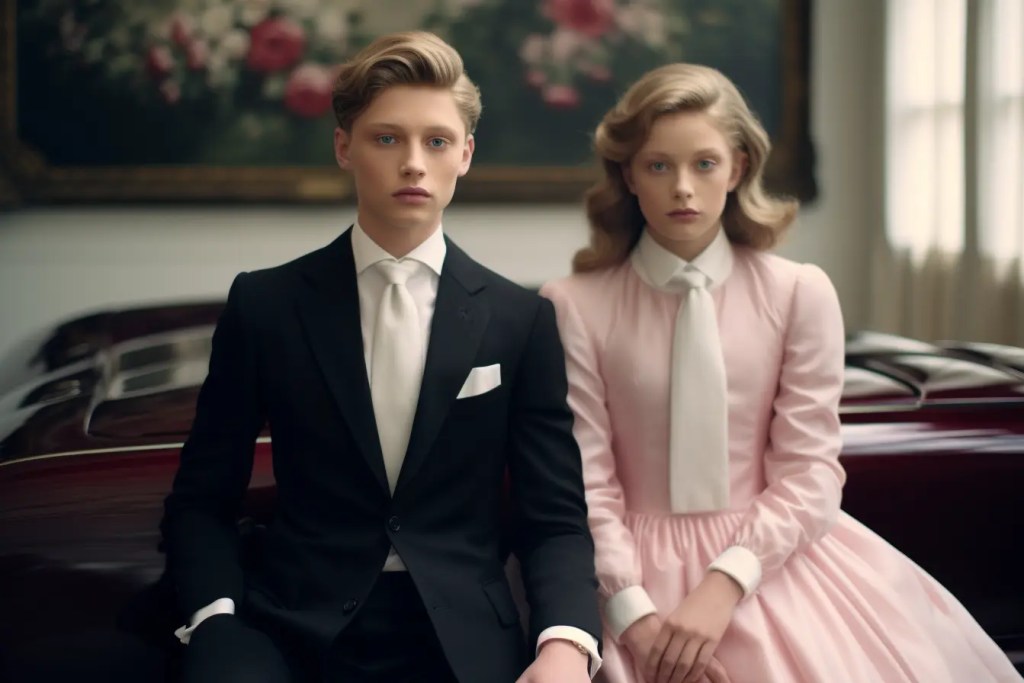
Example 5 – The creepy twins


Result
Conclusion
In conclusion, this article has presented a small range of captivating image blends, all masterfully created with the Midjourney blend prompt. The beauty of this tool lies not just in its efficacy but in its ability to awaken our dormant creativity. It’s been a joyous ride for me, with a constant surge of fresh ideas flooding my mind, all eager to be brought to life using this amazing feature. I urge you to embark on this journey of imaginative exploration – you’re guaranteed to be pleasantly surprised. With the Midjourney blend prompt, it’s not just about blending images, but about blending visions into a symphony of creativity. So go ahead, give it a try, and let your imagination run wild – you won’t be disappointed.