
In the ever-evolving world of game development, the quest for more efficient, dynamic, and unique asset creation is never-ending. With the rise of Midjourney, developers now have a powerful tool at their fingertips, capable of transforming mere textual descriptions into vivid visual assets. Gone are the days when every sprite, texture, or UI element had to be painstakingly crafted by hand. Today, with the right prompt, Midjourney can generate a plethora of game assets in a fraction of the time.
From sprite sheets that animate our favourite characters to intricate skyboxes painting the horizons of virtual worlds, the types of still images used in games are vast and varied. But how can one leverage the capabilities of Midjourney’s powerful AI for each of these asset types? In this article, we’ll delve deep into the world of game asset creation with Midjourney, introducing you to the most common types of still images used in games and providing example prompts to kickstart your AI-powered asset generation journey. Whether you’re a seasoned developer or just dipping your toes into the gaming waters, these insights are bound to revolutionise your design process.
Game asset types and some Midjourney prompt examples
Sprite sheets
These are collections of individual sprites (or frames) arranged in a grid. They are used to animate characters, enemies, and other entities by displaying different frames in sequence.
/imagine: a sprite sheet for a 2D pixel art knight character with walking, jumping, and attacking animations.

Textures
These are images that are mapped onto 3D models to give them detail and colour. They can be used for characters, terrain, objects, and more.
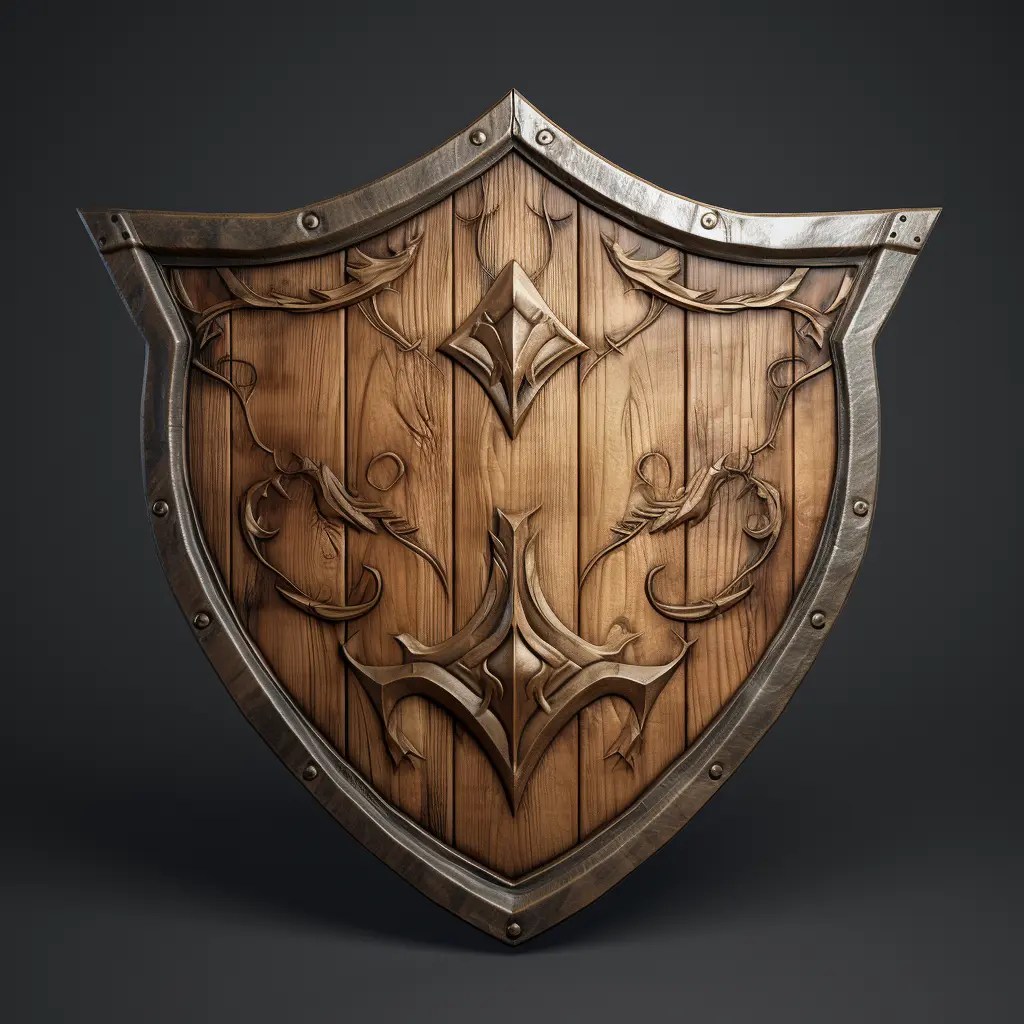
/imagine: a seamless wood texture suitable for a medieval wooden shield.
Tilesets
These are collections of tiles used in tile-based games, especially in 2D games. Each tile is a small image that can be pieced together to create larger scenes or levels.
/imagine: a tile set for a haunted mansion-themed 2D platformer, including floor tiles, wall tiles, and decorative elements.

UI elements
These include buttons, icons, bars, and other graphical elements that make up the game’s user interface.
/imagine: a set of fantasy-themed UI buttons with ornate golden borders.

Game items
This can include weapons, potions, coins, and any other collectable or usable item in a game.
/imagine: a glowing blue potion bottle with a silver cap and a label 2D game asset.

Backgrounds/Parallax layers
Static or layered images that move at different speeds to create a depth effect in 2D games.
/imagine: a layered parallax background for a desert scene with sand dunes, distant mountains, and a setting sun.

Character portraits
Still images of characters used in dialogue boxes or character selection screens.
/imagine: a 2D game character portrait of a wise old wizard with a long white beard and a starry blue hat.

Environment elements
These can be static images of trees, rocks, buildings, and other elements that populate a game world but might not necessarily be interactive.
/imagine: a static image for a game of a mystical stone archway covered in ivy and moss.

Decals
Overlays or stickers that can be placed on other textures or surfaces, like bullet holes, graffiti, or blood splatters.
/imagine: bullet holes games assets on white background.

More game asset types you can try
Here are some more game asset types you could try to get Midjourney to produce, by including the terminology in your own prompts.
- Normal maps: These are a type of texture that allows for the simulation of bumps and dents without using additional polygons. They give the illusion of more complex surface details.
- Specular maps: These define how shiny or reflective a surface is in different areas.
- Ambient occlusion maps: These provide depth and shadow details, indicating how exposed each point in a texture is to ambient lighting.
- Height maps: Used to represent elevation data, especially in terrains. They can be used to generate 3D terrains based on grayscale values.
- Skyboxes: These are panoramic textures that surround a scene to represent distant vistas like skies, mountains, or cityscapes.
- Icons & thumbnails: Small images representing game achievements, items, or other in-game elements.
- Atlas textures: A single image containing a collection of many textures. This is used to optimize rendering by batching draw calls.
- Detail maps: These are textures that add fine details to another texture, like grain, grit, or small imperfections.
- Mask maps: Used to determine which parts of a texture or model are affected by certain effects or shaders.
- Lightmaps: Pre-computed textures that store lighting information, often used to give realistic static lighting to scenes without calculating it in real-time.
- Cubemaps: Six-sided textures that represent reflections in 3D environments.
This list is by no means exhaustive, but it provides a good overview of the types of still images commonly used in game development. Depending on the game engine, platform, and the specific needs of the game, developers might use a combination of these assets or even create new types of assets to achieve their desired visuals.